
The service is completed and the report appears in the customer's portal.
The auditor has arrived, the documents are ready.
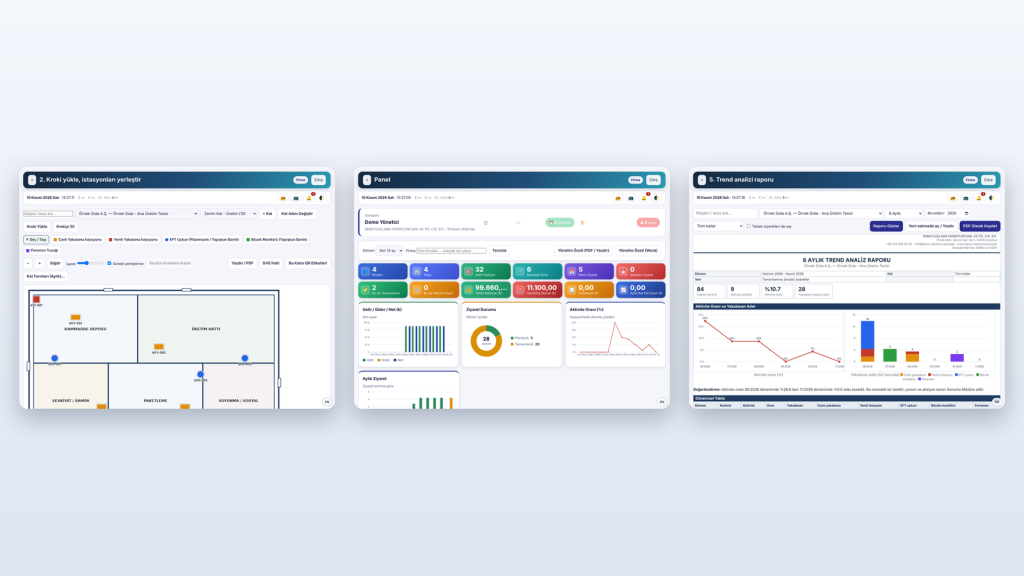
Digital service report and EK-1
The product used, quantity and findings are written in the report. It locks once signed.
Stations and plan
Every station's QR code and its place on the plan are recorded.
Trend analizi
Monthly and quarterly charts, hot-spot analysis.
Document verification by QR code
The certificate's currency and validity are verified by QR code.
Online payment
Invoices appear in the portal and are paid online.
What you can do with PMDP
PMDP — Pakiş Customer Document Portal
Feature overview of the current version. Illustrations are sample views and contain no real customer data.
-

Sample view Digital service report and EK-1
The service report and EK-1 are kept in your PMDP portal, so records are ready when an auditor arrives.
-
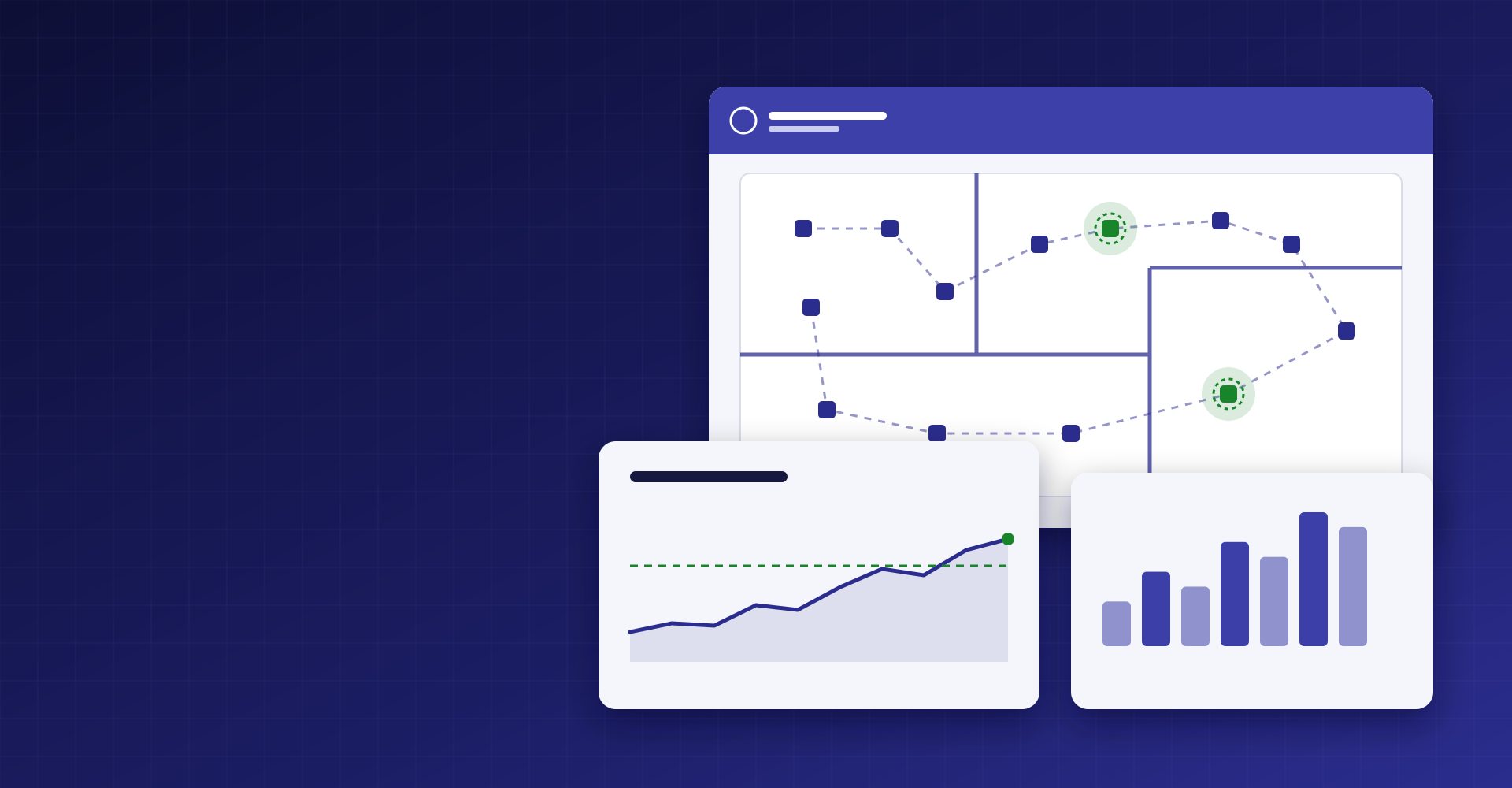
Sample view Stations on the floor plan and trend analysis
See station placement on the floor plan and follow visit data through trend analysis.
-
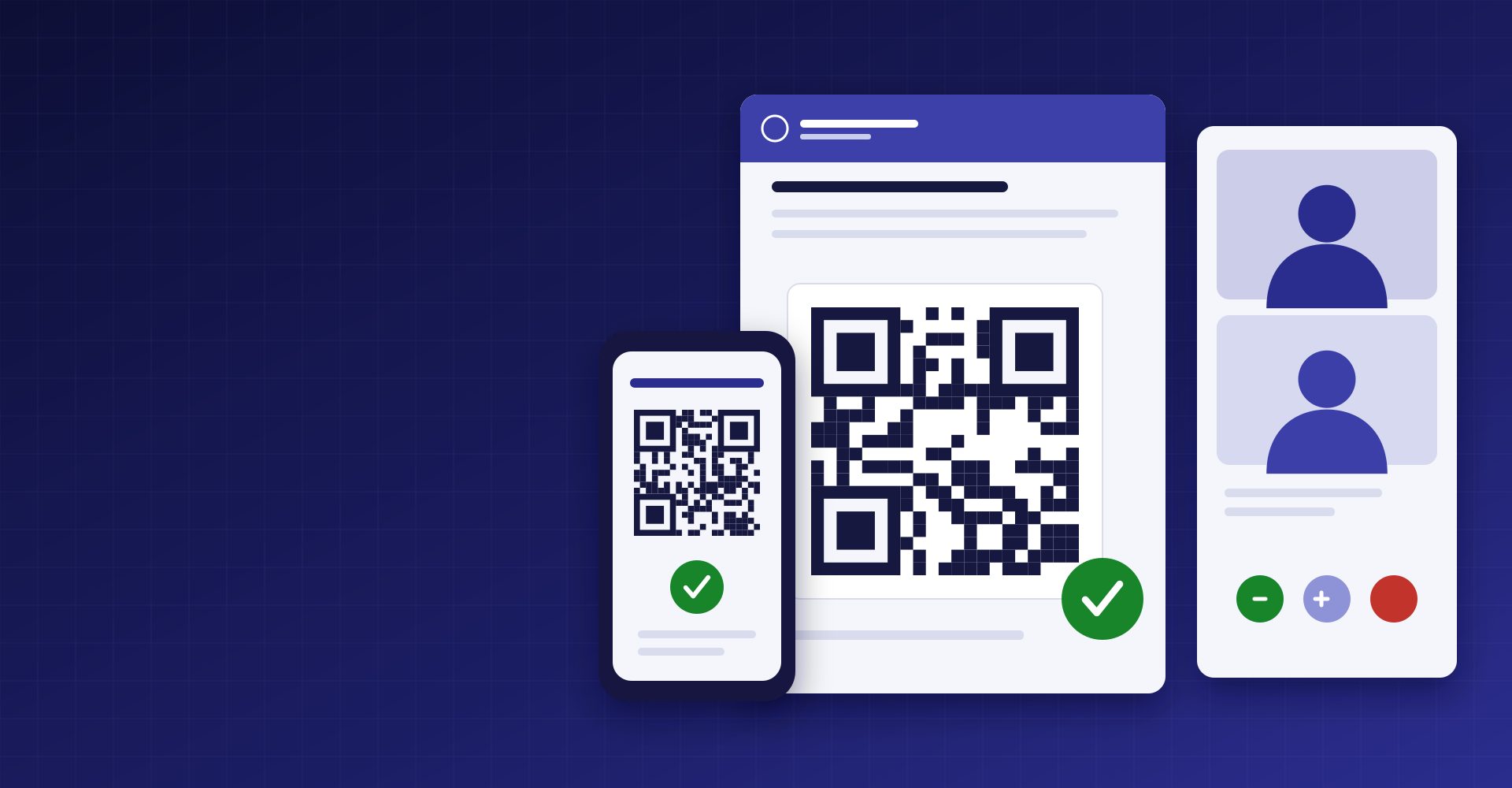
Sample view QR document verification
Scan the QR code on a document, or type its number, to check that it was issued by Pak İş and is current. No personal data is shown.
Verify a document -
PMDP Meet: live conversation
Meet our team live when needed.
-
Voice assistant
The voice assistant carries out record-writing commands only after your confirmation.
One visit becomes a document in four steps
The same record is visible on site, in the office and on the customer's screen.
- Plan and stations — The facility plan is uploaded and stations are placed. Each station has a QR code.
- Ziyaret — The applicator processes stations by QR code.
- Report and EK-1 — The product used, quantity and findings are written in the service report and EK-1 document. It locks once signed.
- Customer portal — The report is in the customer's portal and email.
Portalda neler var?
- Service reports and EK-1
- Station layout plans and floor plans
- Monthly and quarterly trend analyses — Periodic hot-spot analysis.
- Daily and monthly activity reports
- Biocidal product documents, SDS and usage cards
- Company authorisation documents and training certificates
- Contracts and past quotes
- Emergency action plan and support request form
Document verification by QR code
You verify with the QR code that the certificate you hold is current and valid.
Invoices and online payment
You see your invoices in the portal and pay online.
Data access
Customers see only the documents shared with them. Personal data is protected under the KVKK.